Controlling the UC2e
Controlling the ESP32
All clients (Python, browser, Android app, ImSwitch) send the same one-line JSON commands over USB serial, e.g. {"task":"/state_get","qid":1}, and read framed JSON replies. The name "UC2-REST" is historical: there is no WiFi or HTTP interface. Details: Serial protocol, first steps: First serial command.
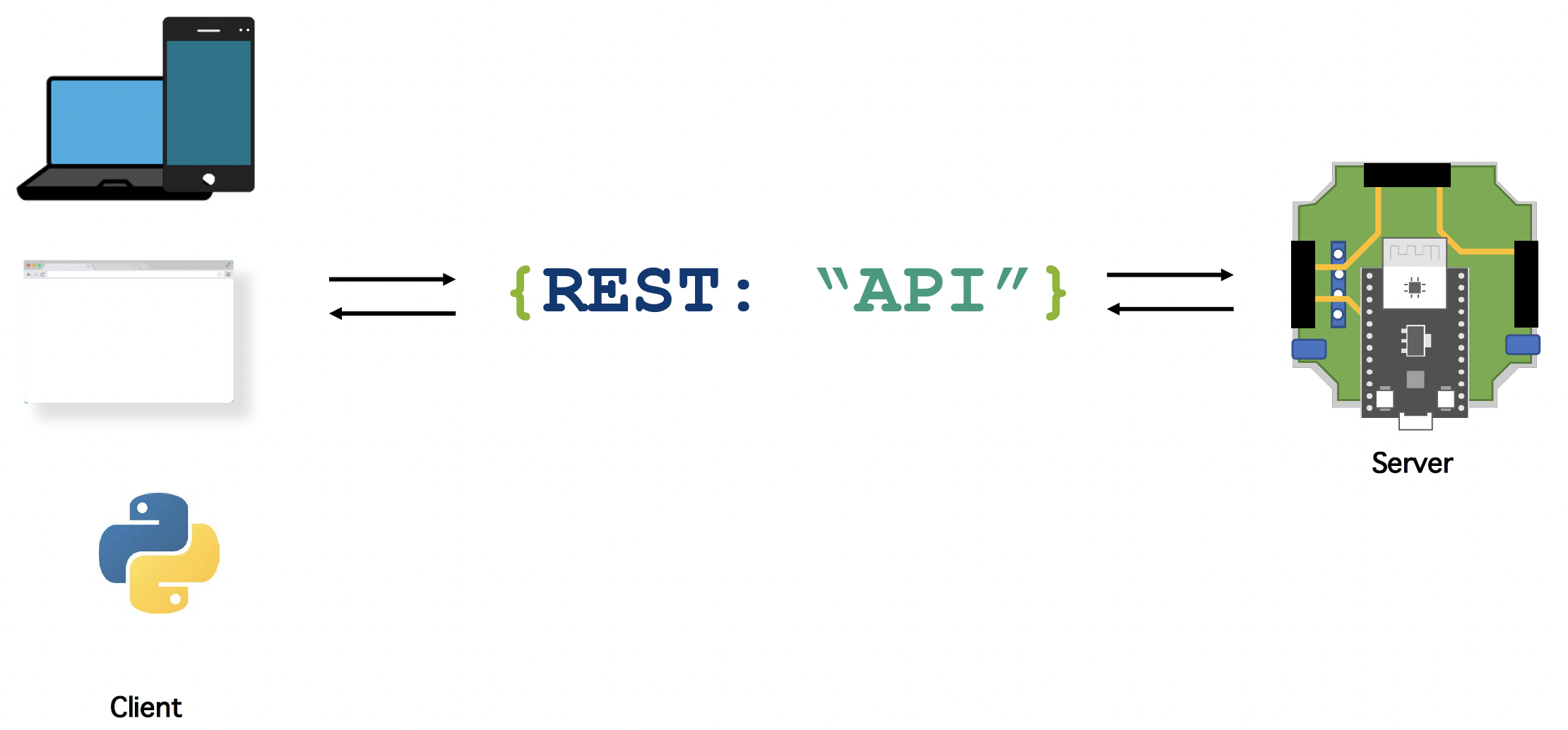
Installing the USB Serial Driver Depending on the board, the USB-serial chip is a CP2102 (Silicon Labs driver) or a CH340 (Sparkfun guide). Baud rate: 115200, or 921600 for the HAT+ (UC2_canopen_master).
🐍 Python Bindings
In order to interact with the electronics, we implemented a Python library called UC2-REST, available here that will help you to work with the device. Install it with pip and import it as uc2rest:
pip install UC2-REST
import uc2rest
esp = uc2rest.UC2Client(serialport="/dev/ttyUSB0", baudrate=115200)  # HAT+: baudrate=921600
If the given port does not exist, the client tries to auto-detect the board. Walkthrough: Python first steps, API: uc2rest reference.

In order to give you a deep dive in what's possible, we provide a Jupyter Notebook that guides you through all the functionalities. You can find it here Start Jupiter Tutorial
📲 Android APP
See UC2Serial Android app. It sends the same JSON commands over USB.
💻 Browser APP
The WebSerial test page sends JSON commands from Chrome or Edge over USB, without any installation.
🎮 Playstation 3 or Playstation 4 Controller (comming soon)
With the open-source libraries PS3Controller and PS4Controller we are able to make use of the Bluetooth-able joysticks from your beloved game console.
When a PS4 controller is 'paired' to a PS4 console, it just means that it has stored the console's Bluetooth MAC address, which is the only device the controller will connect to. Usually, this pairing happens when you connect the controller to the PS4 console using a USB cable, and press the PS button. This initiates writing the console's MAC address to the controller.
Therefore, if you want to connect your PS4 controller to the ESP32, you either need to figure out what the Bluetooth MAC address of your PS4 console is and set the ESP32's address to it, or change the MAC address stored in the PS4 controller.
Whichever path you choose, you might want a tool to read and/or write the currently paired MAC address from the PS4 controller. You can try using sixaxispairer for this purpose.
If you opted to change the ESP32's MAC address, you'll need to include the ip address in the PS4.begin() function during within the setup() Arduino function like below where 1a:2b:3c:01:01:01 is the MAC address (note that MAC address must be unicast):
void setup()
{
    PS4.begin("1a:2b:3c:01:01:01");
    Serial.println("Ready.");
}
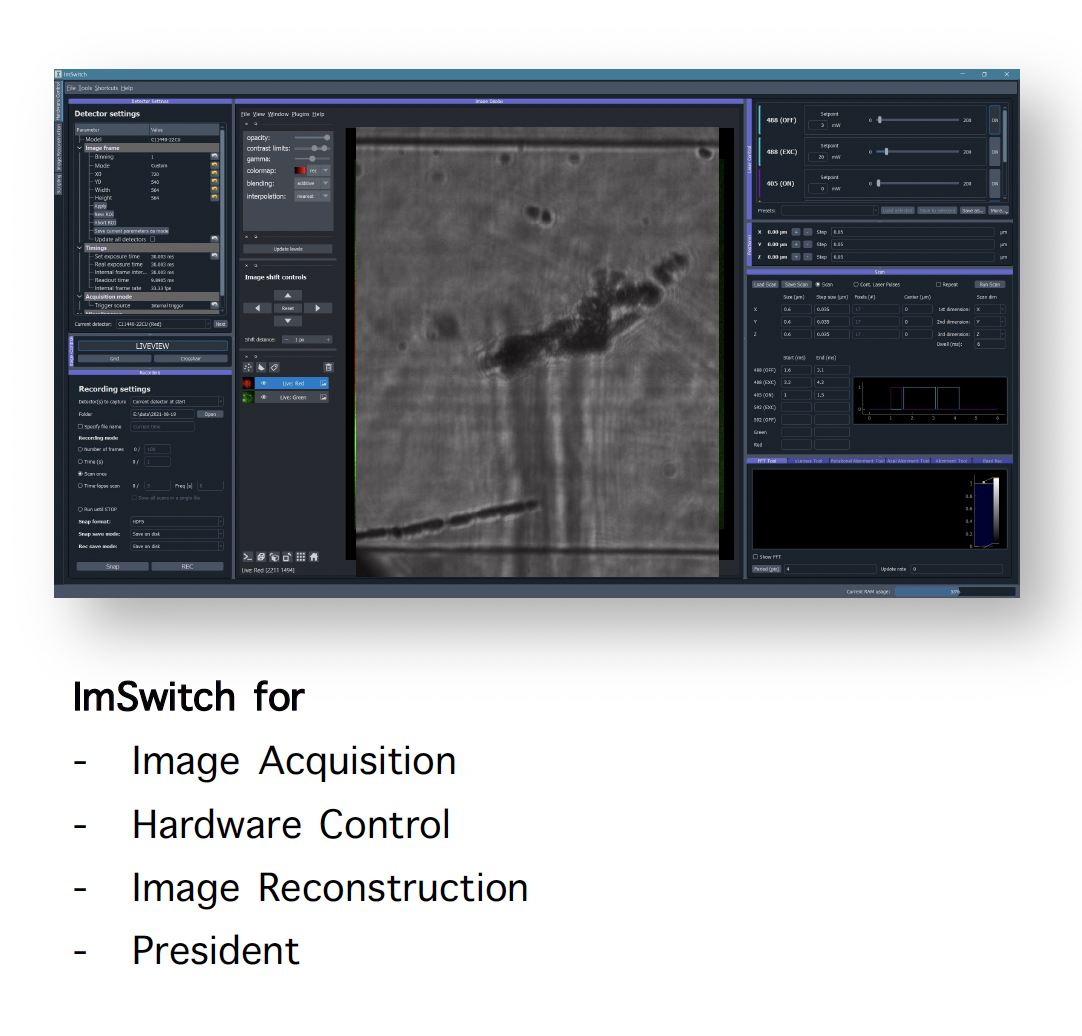
Controlling using ImSwitch
Please have a look here for more information about how to install ImSwitch and here for the UC2-related setup files including the UC2-REST serial interface.