Using the game controller to move the stage
This documentation guides you through specifics on "How to pair your controller with your FRAME?" and "How to use the controller?".
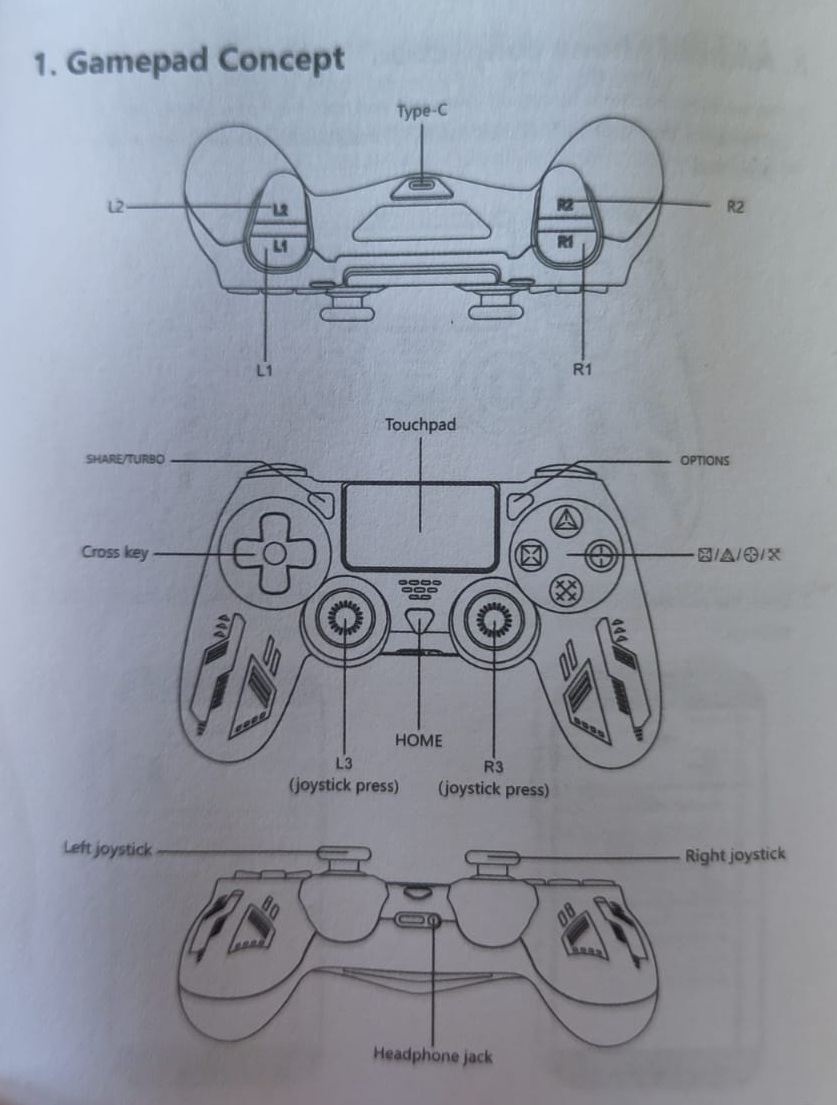
Gamepad Concept
For a description of all buttons and joysticks see the picture below.
Pair the controller
First, make sure that the controller is sufficiently charged. To charge it use the USB3 input and the included cable.
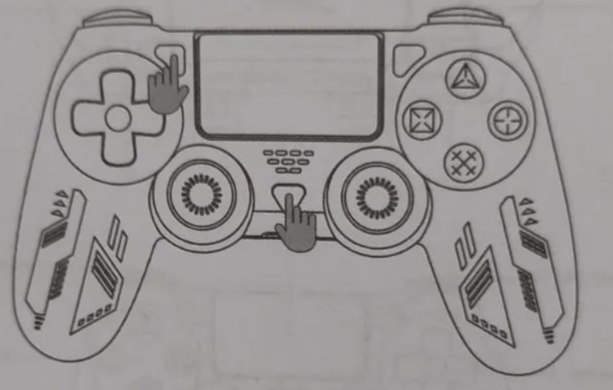
Put the controller in pairing mode by first pressing and holding the Share/Turbo button and then pressing the home button until the light bar starts blinking.
In ImSwitch go to settings and select Updates from the dropdown menu. This brings you to the ImSwitch UI - SystemUpate page.
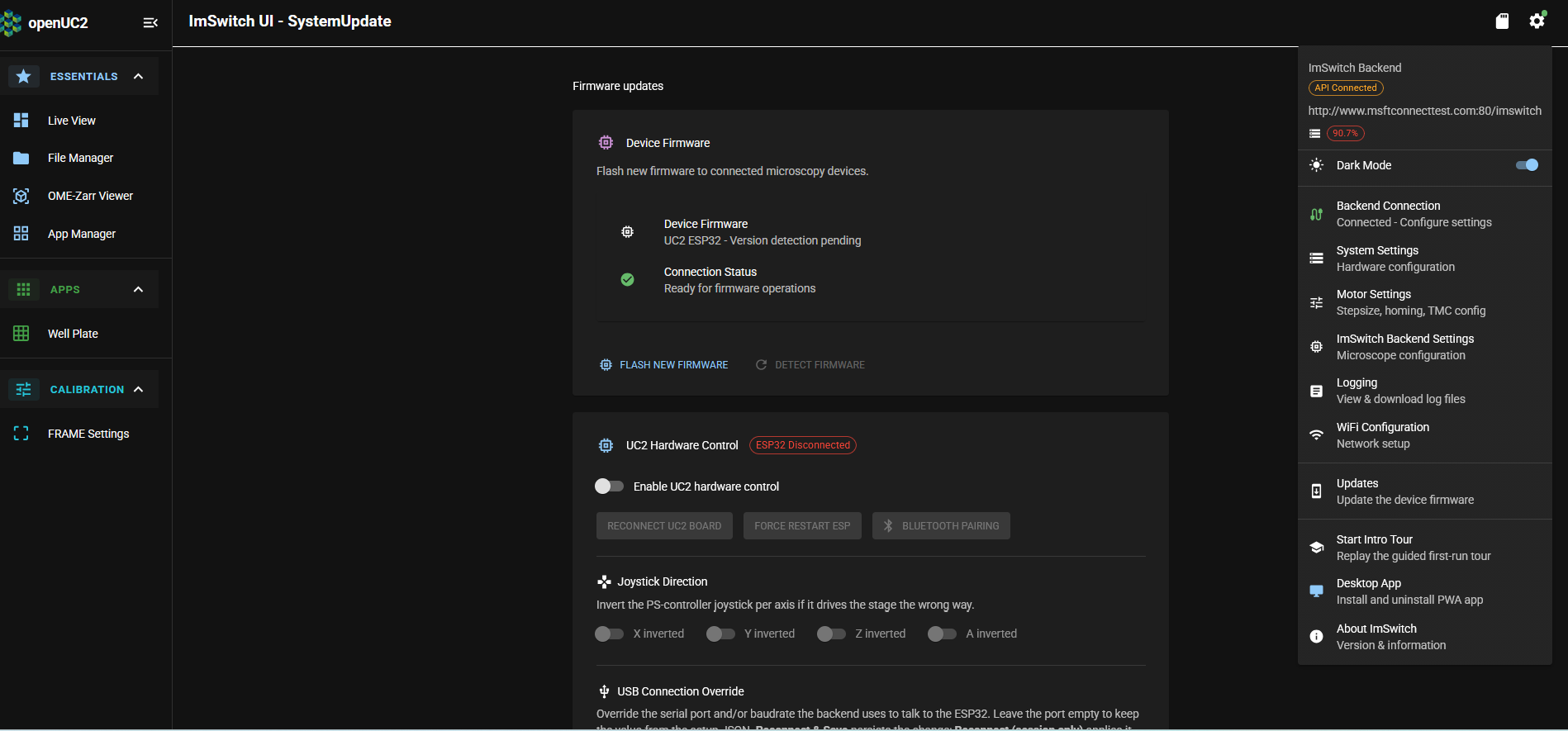
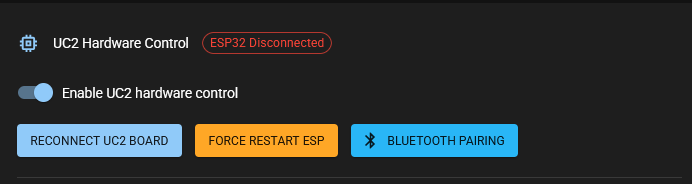
Toggle the button Enable UC2 hardware control to on. The button Bluetooth Pairing becomes now available (blue). Click the button and pairing starts.
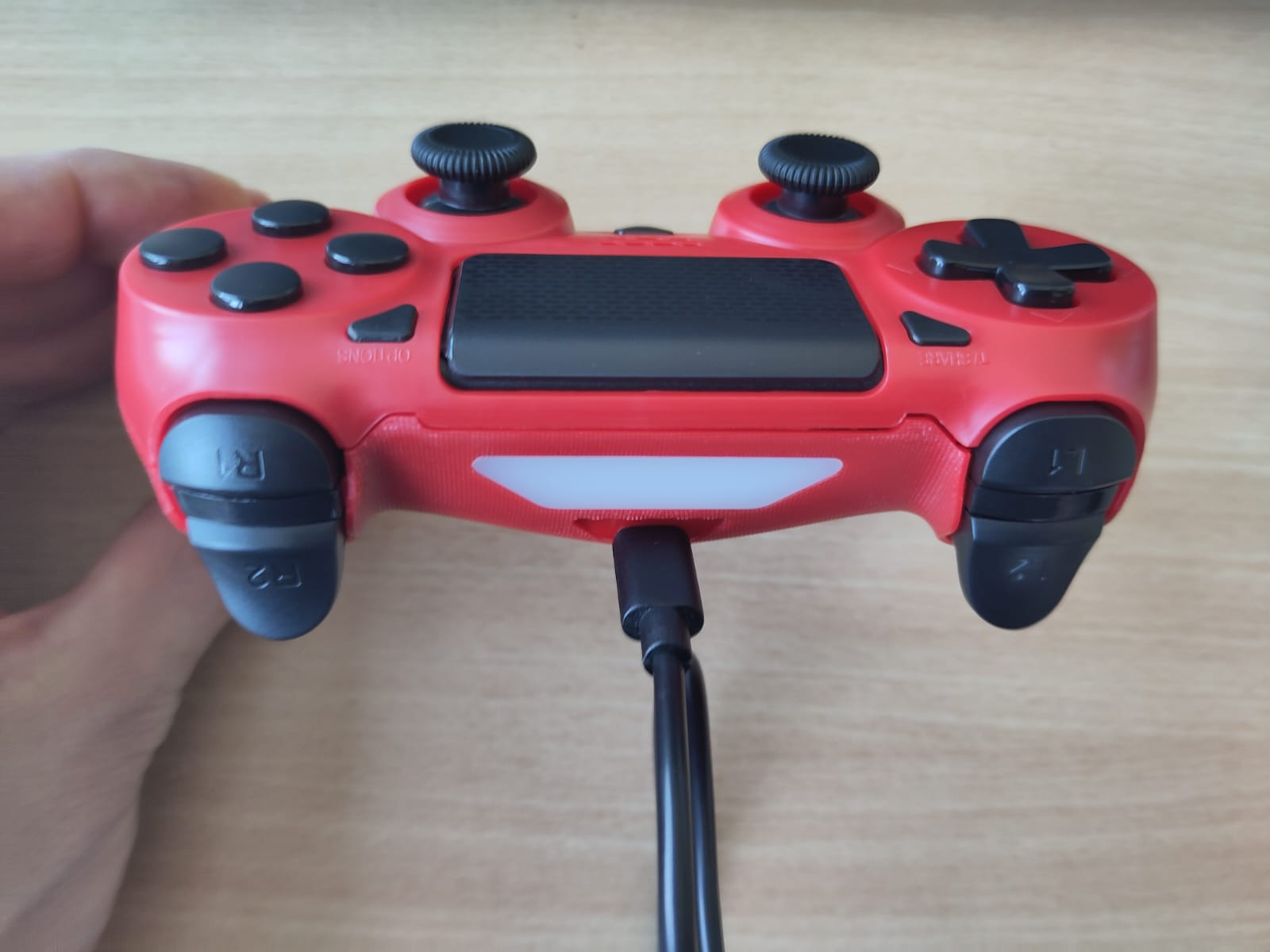
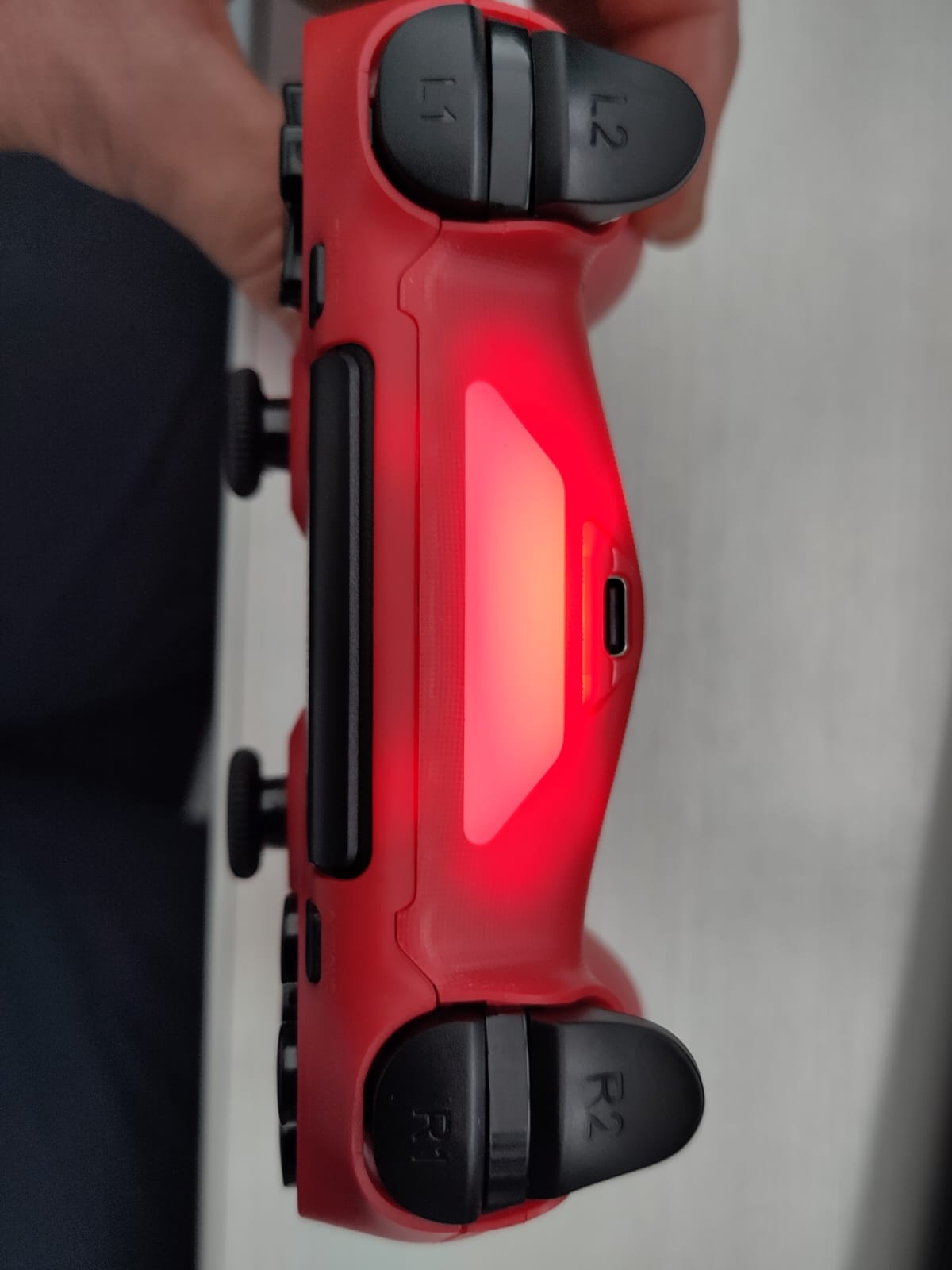
After succesful pairing the light bar of the game controller stops blinking and looks like in the below picture.
Use the controller
Use the joystick R3 to move X and Y axis. Use the joystick R4 to move coarse Z. Use the L2 and R2 button to move fine Z.