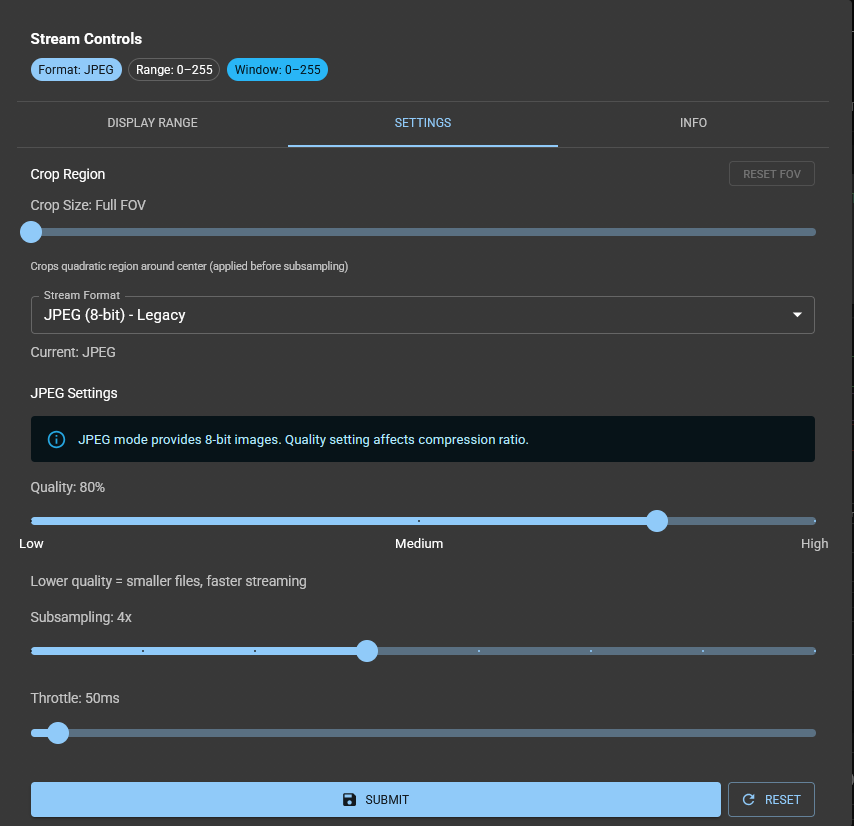
Preview Image Settings
This sections guides you through the preview image settings.
In the main column of the Live View App in ImSwitch underneath the preview window you will find a settings button.

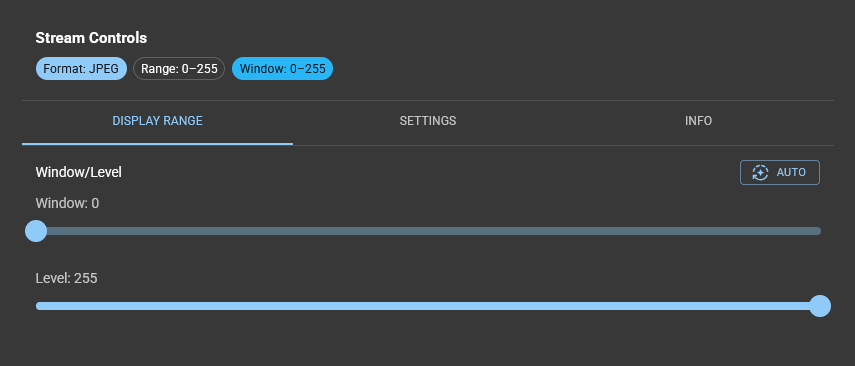
Click on it and you have access to the preview image settings. In the tab display range you can see and edit the display range.
In the tab settings you can see and edit:
- the stream format, e.g. jpeg and specific settings for this stream format.
- the subsampling rate and throttle.
Click Submit to save any changes you do.